October 13, 2026
A practical guide to choosing a useful video-retention target based on your operations, camera settings, activity and storage.
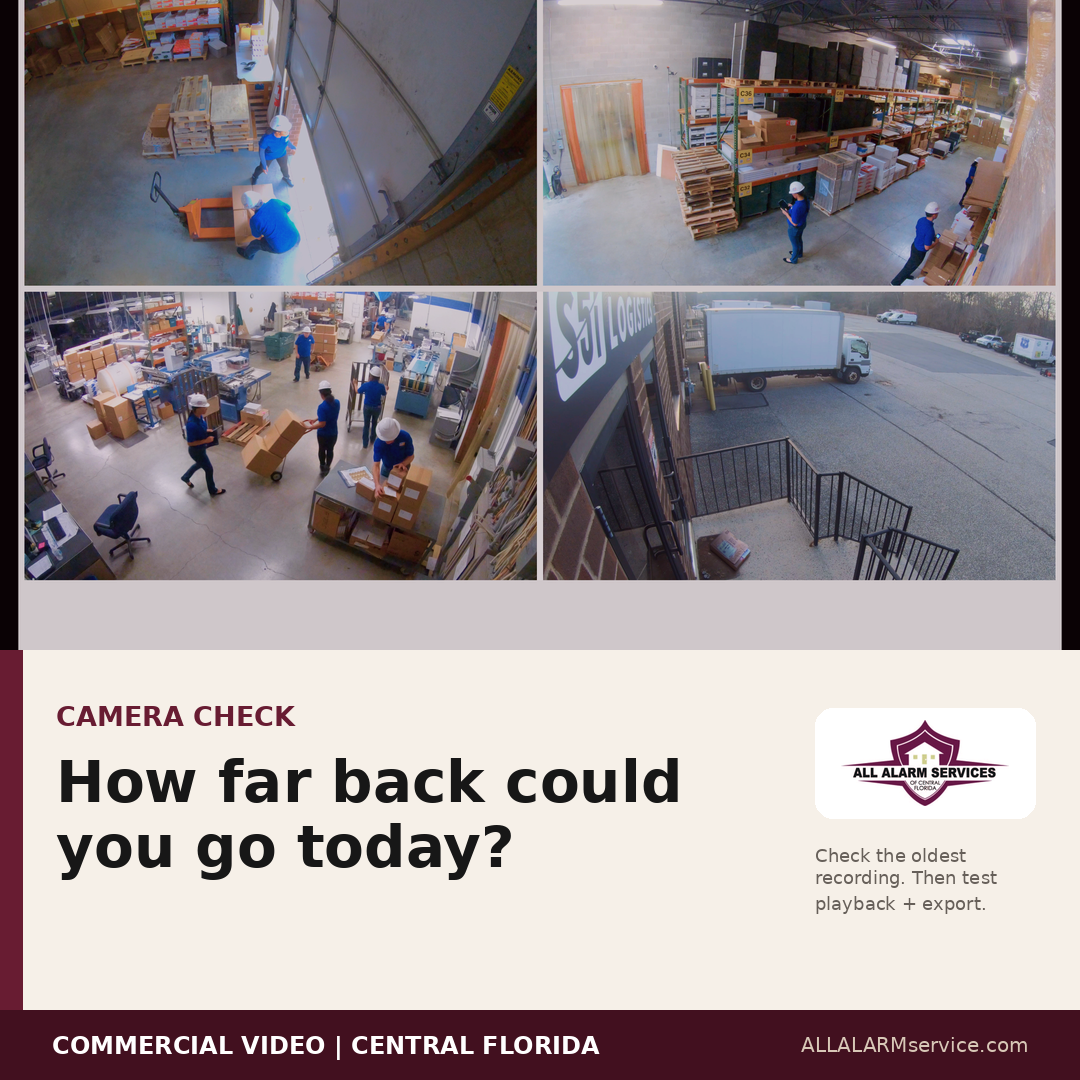
When a business owner asks how long security camera footage should be kept, the honest answer is: it depends on how the system is used. A small office with limited activity may have very different needs from a warehouse, retail store, medical office, restaurant or multi-building property.
The goal is not simply to store as much video as possible. The goal is to keep useful footage long enough to support the way your business operates—while making sure authorized users can actually find and export it when needed.
There Is No One-Size-Fits-All Retention Period
A generic number may sound convenient, but it can overlook the reasons a business needs recorded video in the first place. Before choosing a retention target, think about the events you may need to investigate and how long it could take before you learn that an event happened.
For example, a delivery question may be discovered the same day. An inventory concern might not appear until a later count. Property damage could be noticed after a weekend. A customer or workplace incident may not be reported immediately. If the oldest needed footage has already been overwritten by the time the issue reaches you, the system cannot help with that review.
Some businesses may also have industry, customer, insurance or internal policy requirements that affect video retention. Those obligations can vary, so confirm any applicable requirements with the appropriate qualified advisor rather than relying on a general rule.
What Affects How Much Footage a System Can Keep?
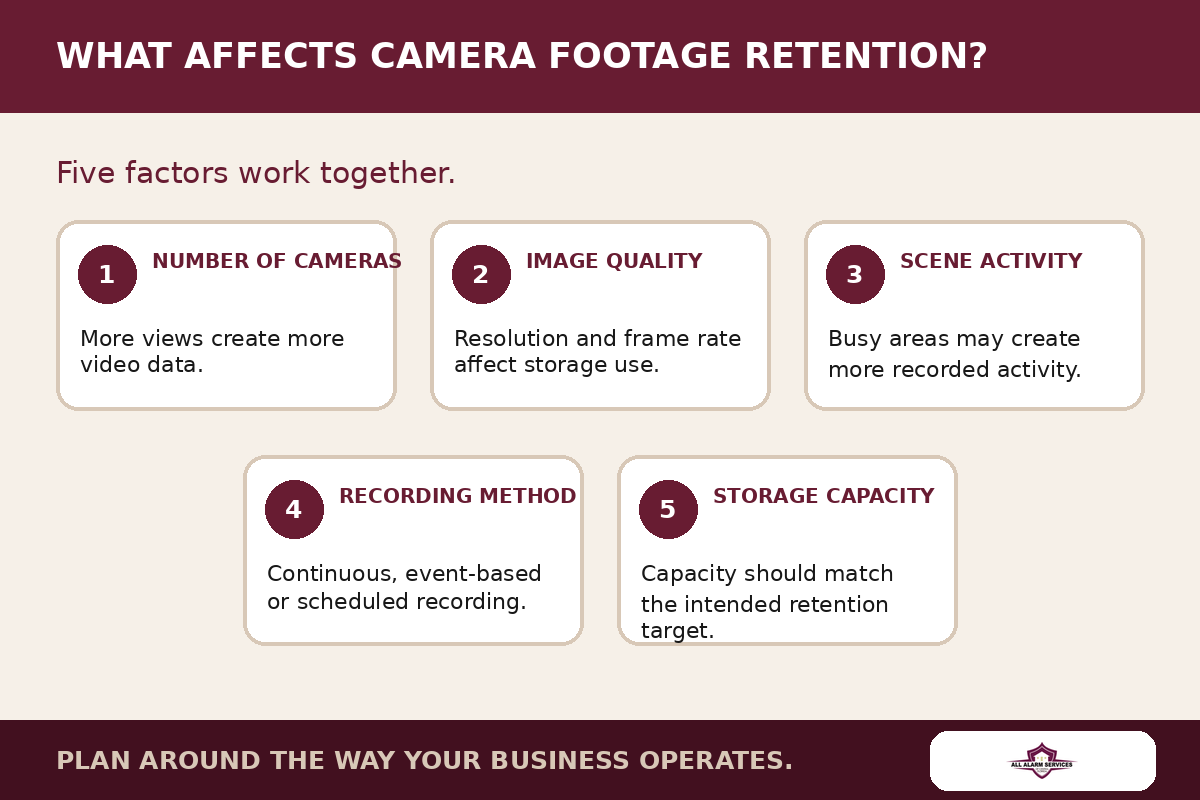
Several system and property factors work together to determine how much recorded history is available.
Number of cameras
Each camera adds video data. A system with four cameras and a system with forty cameras will place very different demands on storage, even if the cameras use similar settings.
Resolution and frame rate
Higher-resolution video can provide more image detail, and a higher frame rate can make motion appear smoother. Both can also increase the amount of data being recorded. The right balance should be based on what each camera needs to show—not simply the highest setting available.
Activity in the scene
A quiet hallway and a busy entrance do not create the same recording pattern. Scenes with frequent movement may generate more recorded activity, especially when the system is configured to record events rather than continuously.
Recording method and system settings
Some systems record continuously. Others record on detected activity, on a schedule, or through a combination of methods. Compression, event rules and other settings also influence storage use. Available features depend on the cameras, recorder and service selected.
Storage capacity and location
Recorded video may be stored on a local recorder, in supported cloud services, or through a combination of options. Capacity matters, but it should be planned together with camera count, image settings and the retention target.
Useful Footage Must Also Be Retrievable
Retention is only one part of the conversation. When an event happens, the business should know who is authorized to access video and whether those users can locate the correct camera, date and time. They should also understand how to export a usable clip when appropriate.
A simple operational check is to ask an authorized user to find the oldest available recording today. Then confirm that playback works and that the user can follow the approved process for exporting footage. This can reveal a training issue, a setting that needs review or a gap between the expected and actual retention period.
Questions to Ask Before Choosing a Retention Target
Use these questions to guide a practical camera and storage conversation:
- What events or business questions might require recorded video?
- How long could pass before those events are reported or discovered?
- Which cameras need more detail, and which simply need an overview?
- How much daily activity does each camera see?
- Should each view record continuously, on activity or on a schedule?
- Who is authorized to review and export footage?
- Are there industry, customer, insurance or internal policy requirements to confirm?
Plan Around the Way Your Business Operates
The right retention target begins with operations, not a generic storage number. Once you understand what the cameras need to show, how the property moves during the day and how quickly issues are usually discovered, you can have a more useful conversation about camera placement, recording settings and storage options.
All Alarm Services helps Central Florida businesses review commercial camera coverage, recording needs, remote viewing and available system options. If you are unsure how far back your current system records—or whether the footage is easy to retrieve—contact us to talk through your property and priorities.
DISCUSS YOUR COMMERCIAL CAMERA NEEDS
AllAlarmService.com/commercial-video-surveillance