June 5, 2026
Learn the common signs your commercial security system may be outdated and why modern upgrades improve protection and visibility.
Introduction
Technology changes quickly—and commercial security systems are no exception.
Many businesses continue using systems that were installed years ago without realizing they may no longer provide the level of protection, reliability, or visibility needed today.
An outdated security system can create gaps in coverage, slow response times, and increase vulnerability to theft, unauthorized access, or operational issues.
For businesses in Lakeland and throughout Polk County, modern security upgrades often provide better performance, easier management, and improved peace of mind.
🔗 Learn more about our
Commercial Security Systems
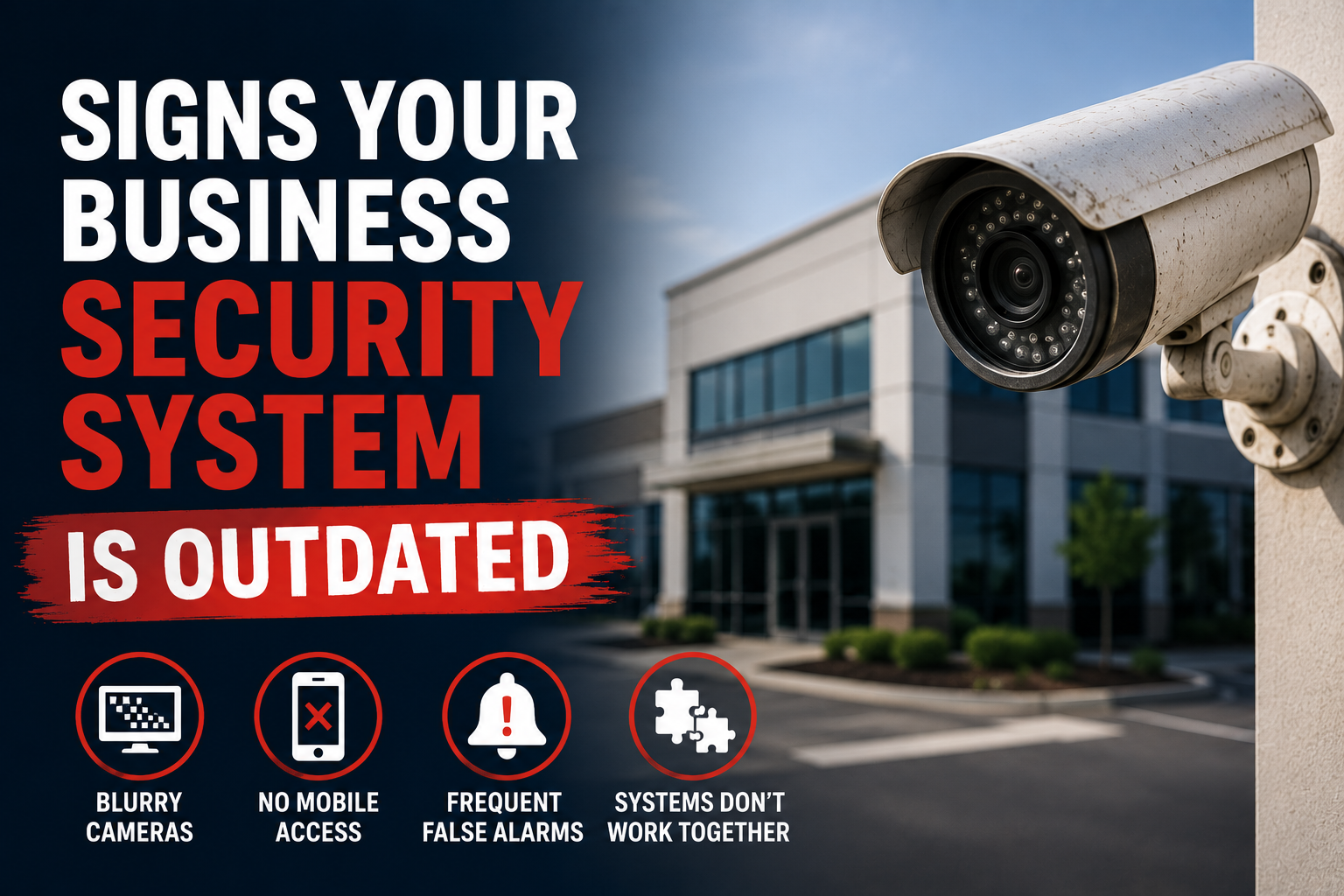
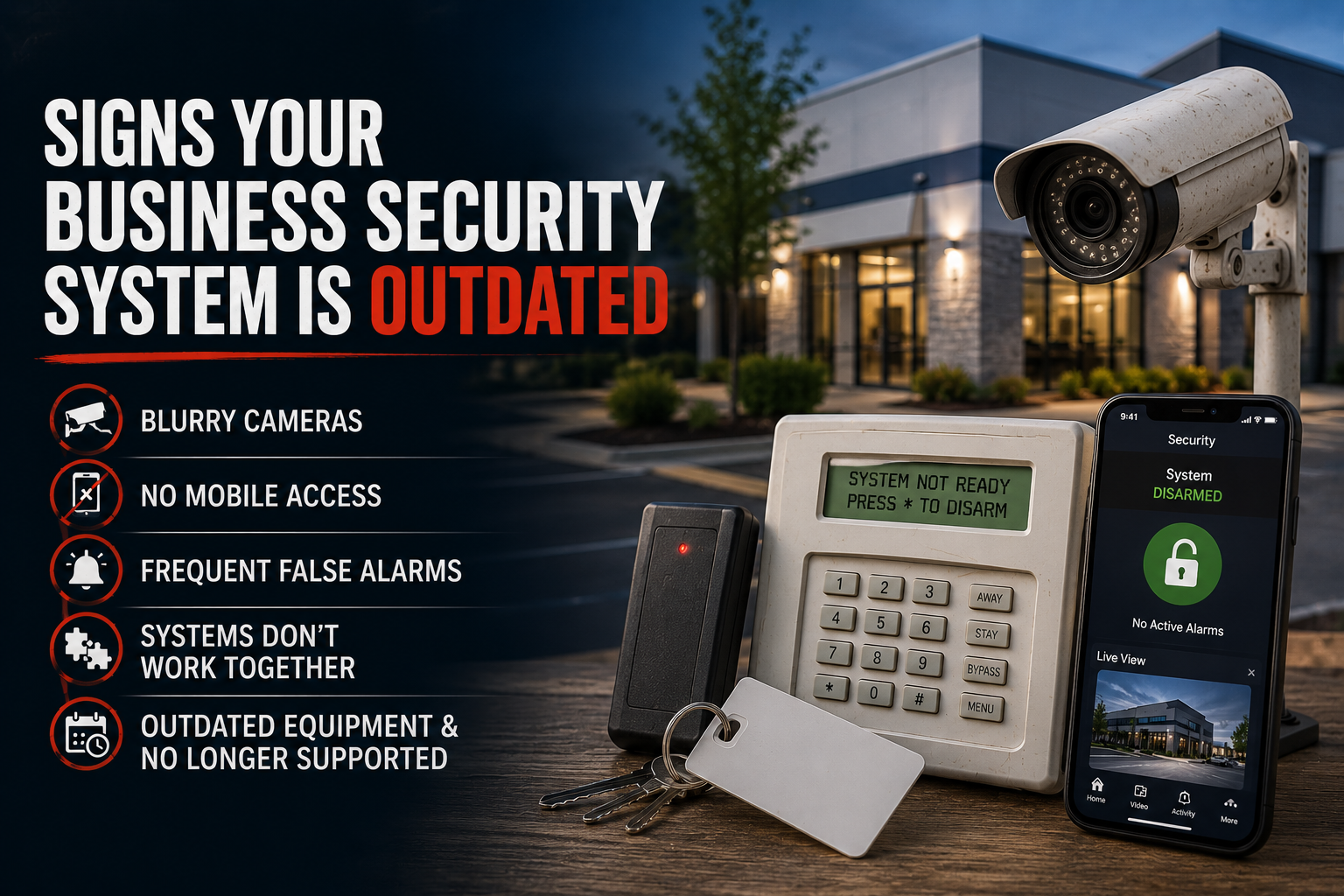
1. Your Camera Footage Is Blurry or Hard to Identify
One of the biggest signs your system may be outdated is poor image quality.
Older camera systems often produce footage that:
- Lacks detail
- Performs poorly at night
- Makes identifying individuals difficult
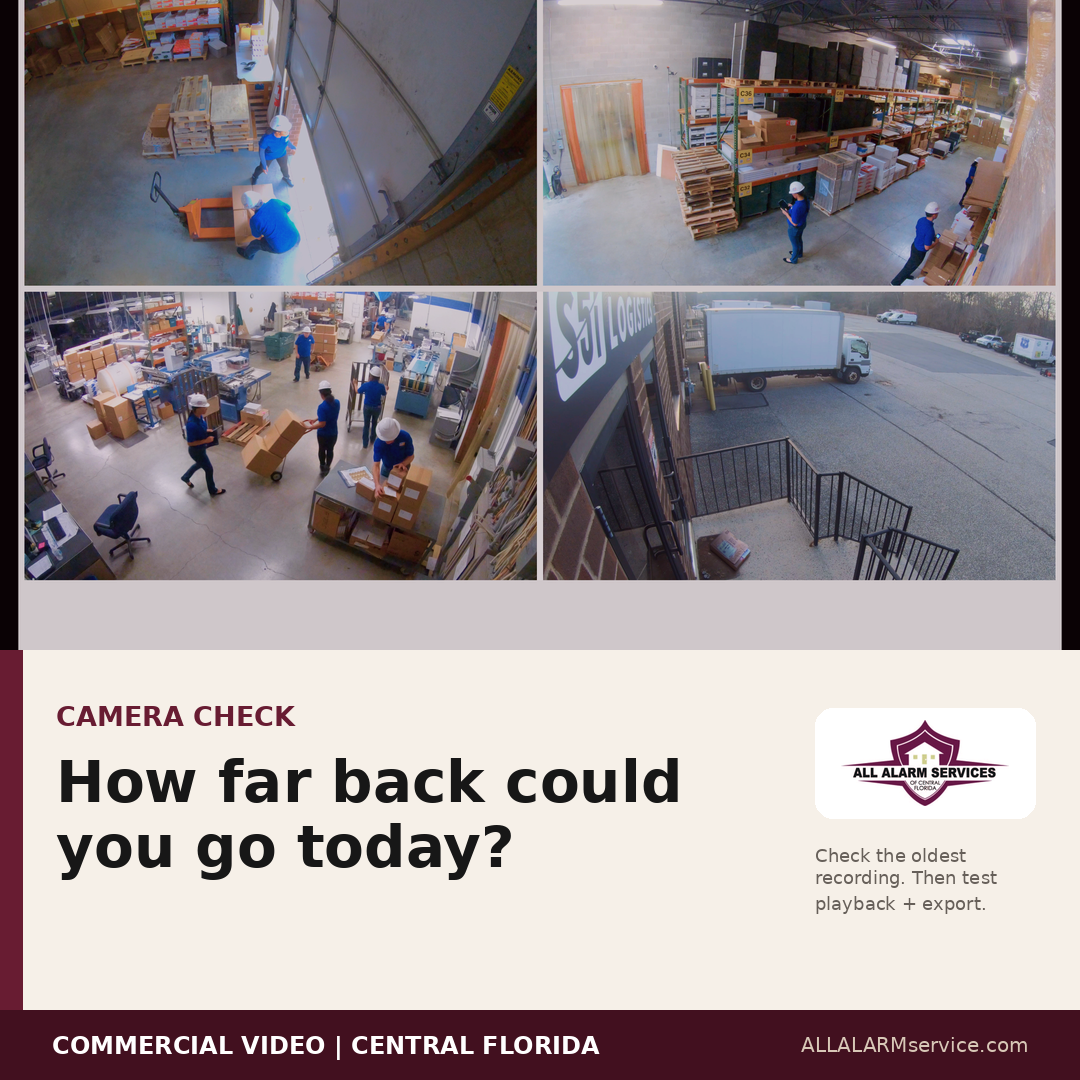
Modern commercial camera systems offer:
- Higher resolution video
- Better nighttime visibility
- Improved zoom and playback features
- Smarter motion detection
If your footage cannot clearly show what happened, your cameras may not be doing their job effectively.
🔗 Explore our
Video Surveillance Systems
2. You Don’t Have Mobile Access
Today’s business owners expect to stay connected to their property from anywhere.
If your system cannot:
- Send alerts to your phone
- Allow remote camera viewing
- Let you arm/disarm remotely
…it may be time to upgrade.
Modern systems using platforms like Alarm.com provide real-time visibility and control directly from mobile devices.
3. Your System Generates Frequent False Alarms
Frequent false alarms can become frustrating for both business owners and employees.
Outdated equipment, aging sensors, poor system design, or improper programming can all contribute to false alarms.
Beyond the inconvenience, repeated false alarms can:
- Reduce confidence in the system
- Cause unnecessary disruptions
- Potentially result in fines or response issues in some areas
A properly updated and configured system helps improve reliability and reduce unnecessary alarm activity.
4. Your Security Systems Don’t Work Together
Many older systems operate independently:
- Cameras separate from alarms
- Access control disconnected from monitoring
- No centralized management
Modern systems are designed to integrate.
For example:
- Alarm events can trigger nearby cameras
- Access control activity can generate alerts
- Business owners can manage multiple systems from one platform
Integrated systems provide faster awareness, better visibility, and easier management.
🔗 Learn more about
Access Control Systems
5. Coverage Gaps Have Developed Over Time
Businesses evolve.
Layouts change. Offices expand. Inventory moves. Staffing changes.
But many security systems stay exactly the same for years.
Common coverage issues include:
- New blind spots
- Unprotected entrances
- Parking lot areas without visibility
- Limited warehouse coverage
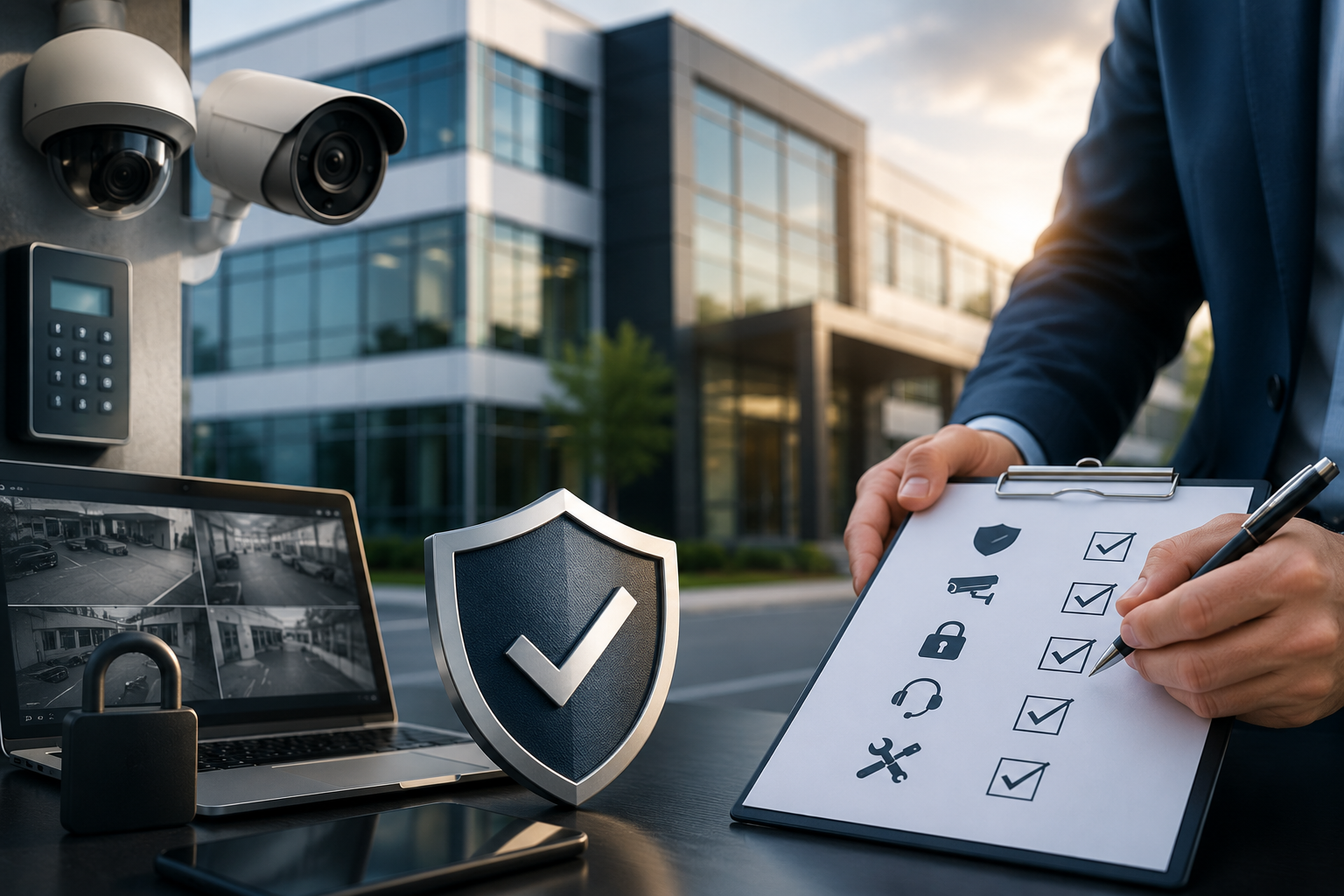
A professional walkthrough can help identify areas where your current system may no longer meet your operational needs.
6. Your Equipment Is No Longer Supported
Technology eventually reaches end-of-life status.
That can mean:
- No software updates
- Limited replacement parts
- Compatibility issues
- Increased repair costs
Unsupported equipment may become less reliable over time and harder to service when problems occur.
7. You’re Still Relying Only on Traditional Keys
Traditional keys create challenges for many businesses:
- Lost or copied keys
- Employee turnover
- Limited visibility into who accessed areas
Modern access control systems provide:
- Better control
- Instant credential management
- Activity tracking
- Remote access management
For many businesses, moving away from traditional keys improves both security and convenience.
8. Your System Was Designed for “Then,” Not for “Now”
Security needs change over time.
A system installed years ago may not account for:
- Increased inventory
- Additional employees
- Remote management needs
- Modern security threats
- Expanded operating hours
A security system should evolve alongside your business.
Why Upgrading Doesn’t Always Mean Starting Over
Many business owners assume upgrading means replacing everything.
That’s not always the case.
Depending on the equipment and condition of the current system, some components may still be usable while others are upgraded for improved performance and functionality.
A professional evaluation helps determine:
- What can stay
- What should be upgraded
- What improvements would provide the most value
FAQs About Upgrading Commercial Security Systems
How long do commercial security systems last?
Many systems can operate for years, but technology, software support, and performance standards change over time. Regular evaluations help determine when upgrades may be beneficial.
Can I upgrade my existing security cameras?
In many cases, yes. Some systems allow for phased upgrades depending on the equipment and infrastructure already in place.
Do older alarm systems still work?
Some older systems continue functioning, but they may lack modern features, mobile access, improved reliability, and integration capabilities.
Is upgrading a business security system disruptive?
Most upgrades can be planned and completed in phases to minimize disruption to daily operations.
Final Thoughts
An outdated security system doesn’t always fail all at once.
More often, it slowly becomes less effective over time—through poor visibility, limited functionality, aging equipment, and changing business needs.
Modern commercial security systems provide:
- Better visibility
- Faster alerts
- Remote access
- Improved reliability
- Easier management
At All Alarm Services, we help businesses throughout Lakeland and Polk County evaluate existing systems and recommend practical upgrades based on real operational needs.
📞 Not Sure if Your System Is Keeping Up?
If your current security system feels outdated—or you simply want a second opinion—we’re happy to help evaluate your setup and identify opportunities for improvement.
👉
Request a Consultation
📍 Serving Lakeland, Polk County, and Central Florida
📞 863-238-6781