A year-end review gives business owners a manageable way to organize security-system questions before the calendar gets busier. Start with the information you can safely review, document what needs attention and take equipment concerns to your service provider. The goal is a clear next step, not a do-it-yourself repair project.
Start with the changes in your business
Before you review equipment, list what changed in your building or daily routine. A new tenant, additional staff, different opening hours or relocated stock can change what you need from the system. Note the change and the question it creates. For example, a newly used delivery entrance may need a coverage discussion. This review is about identifying questions, not deciding on replacement equipment in advance.
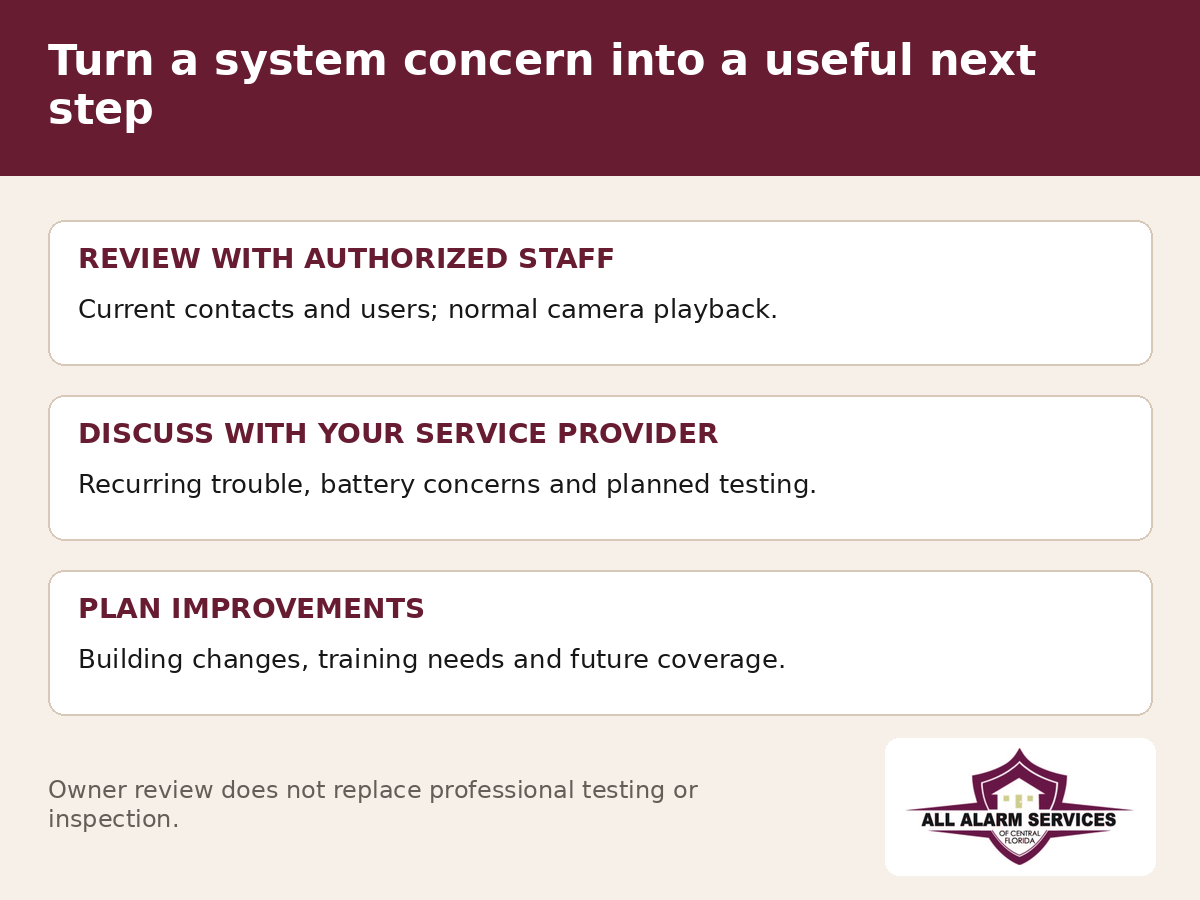
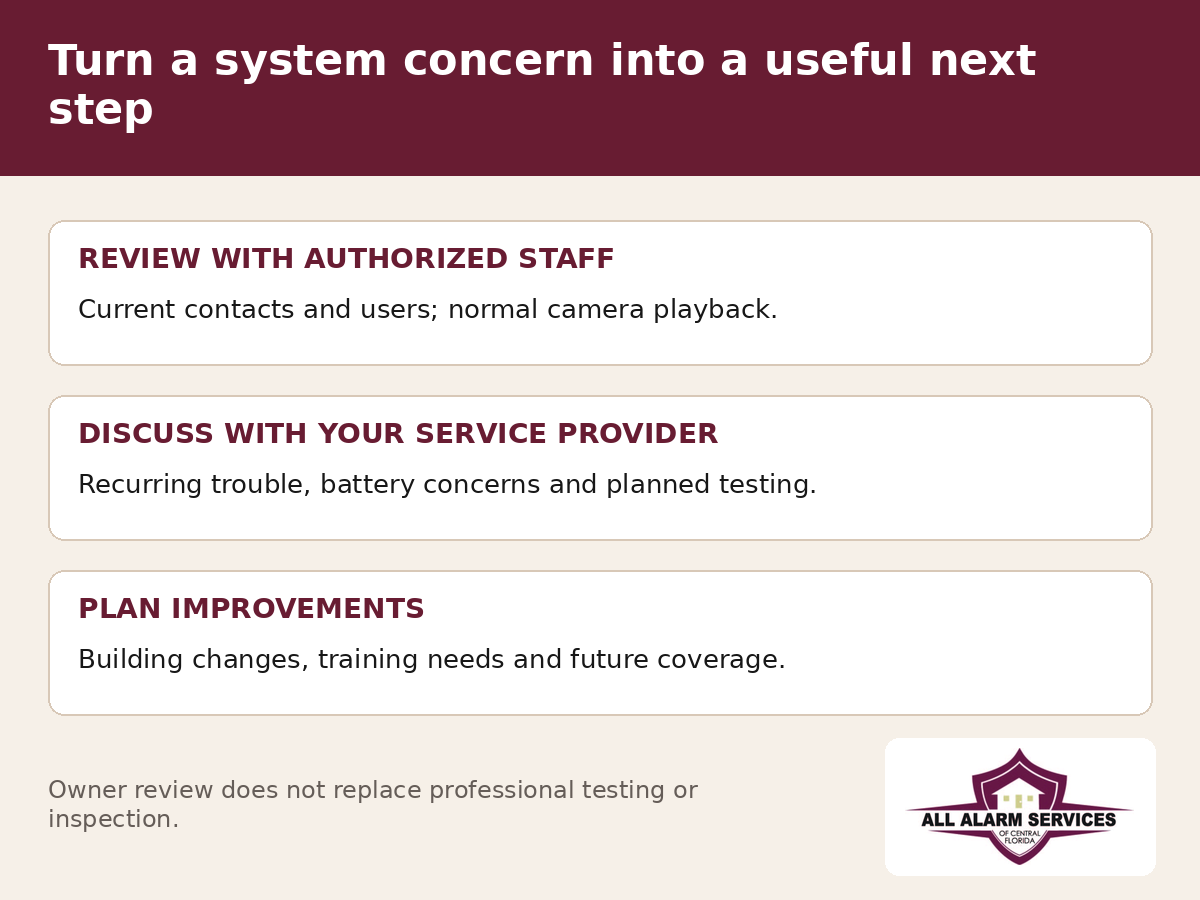
Review contacts and authorized users
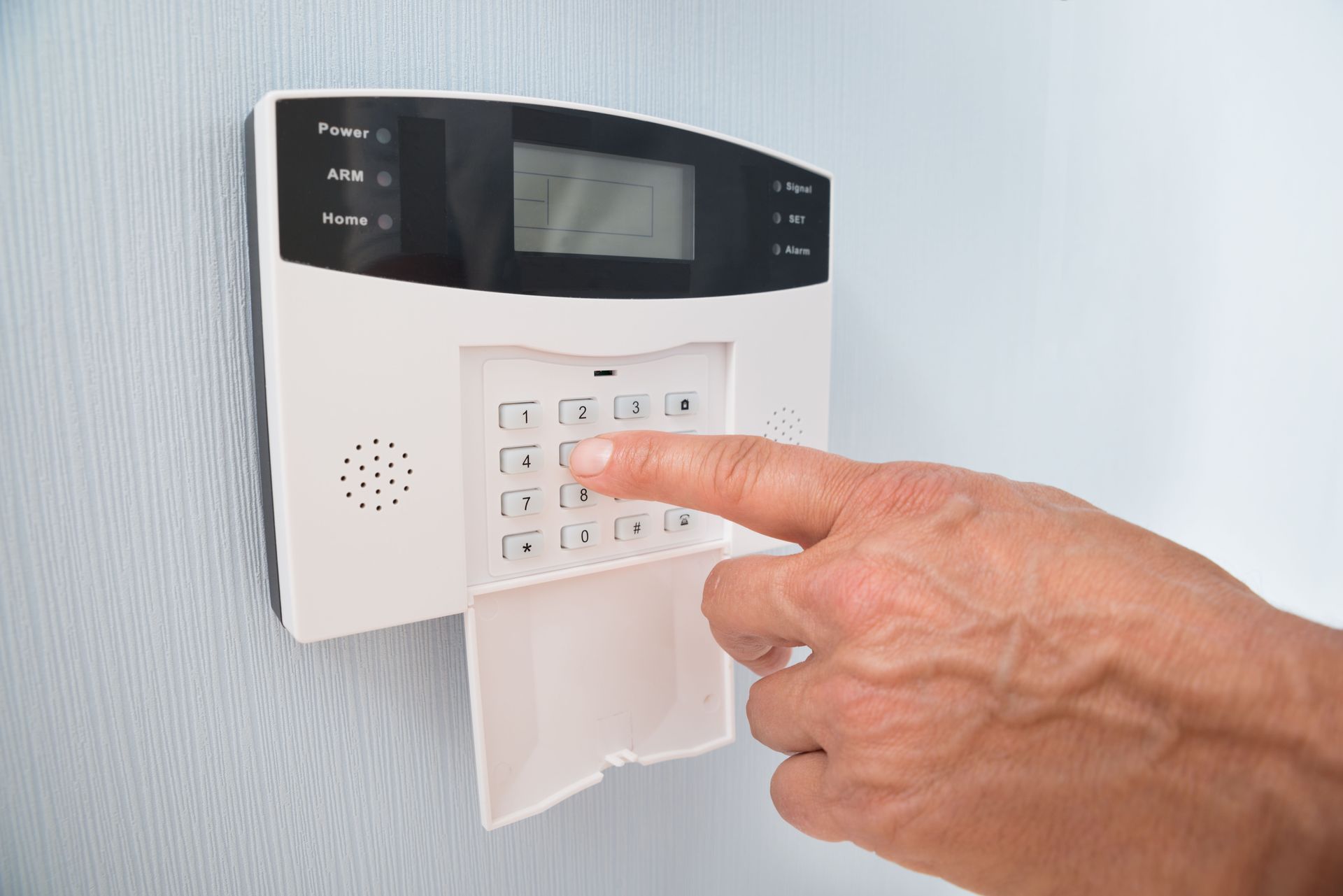
Ask an authorized account administrator to review the people who can use the system and receive notifications. Check that former employees no longer retain access they should not have and that the right current staff have appropriate permissions. Review the monitoring contact list separately from app users; changing one list may not update the other. Where supported, individual codes and logins can make account activity easier to review. Follow the provider’s process for changes and keep credentials private.
Record recurring trouble before calling for service
Write down the exact message, the affected device or area and the date and time you noticed the concern. Note whether it follows a power interruption, network change, door adjustment or another event. Repeated messages deserve a service conversation even if they later disappear. Do not open cabinets, disconnect power, bypass devices or repeatedly reset a system to make the message go away. If you are unsure what a message means, contact your provider.
Check ordinary camera use with authorized staff
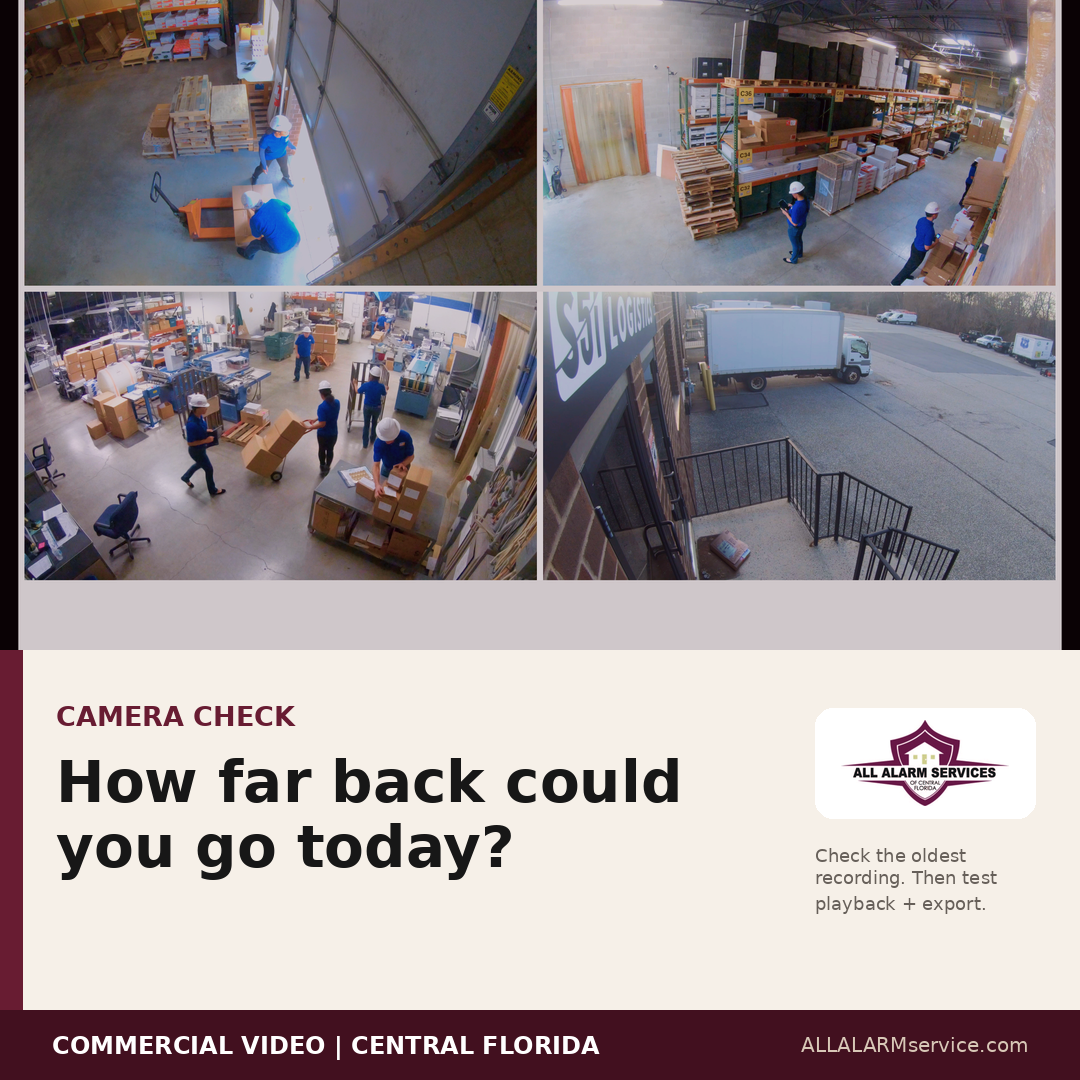
Ask an authorized user to confirm that the expected camera views are available through the normal interface. Can they locate a recent recording and follow your approved export process? Have shelving, lighting or landscaping changed what a camera can see? Record an obstructed view or playback problem for review rather than moving equipment yourself. For a deeper storage discussion, compare your actual recording history with the period your operation needs.
Bring battery and equipment concerns to your provider
Gather available installation dates, prior service reports and recurring battery or communication messages. Ask the provider what should be evaluated for the equipment you have. Battery type, equipment condition and manufacturer instructions matter; there is no single replacement schedule for every commercial system. This is also a useful time to ask about supported parts and whether any planned changes affect compatibility. Leave equipment servicing and testing to appropriately qualified personnel.
Keep fire alarm inspection and testing separate
A business-owner checklist is not a fire alarm inspection or a compliance assessment. If the property has a fire alarm system, gather its inspection reports and unresolved items for the responsible provider. Confirm the applicable inspection, testing and maintenance needs for that building rather than assuming a year-end review satisfies them. Coordinate any system testing through the provider and monitoring process. For an alarm or suspected emergency, follow the building emergency plan and contact emergency services as appropriate.
Choose one next step and assign it
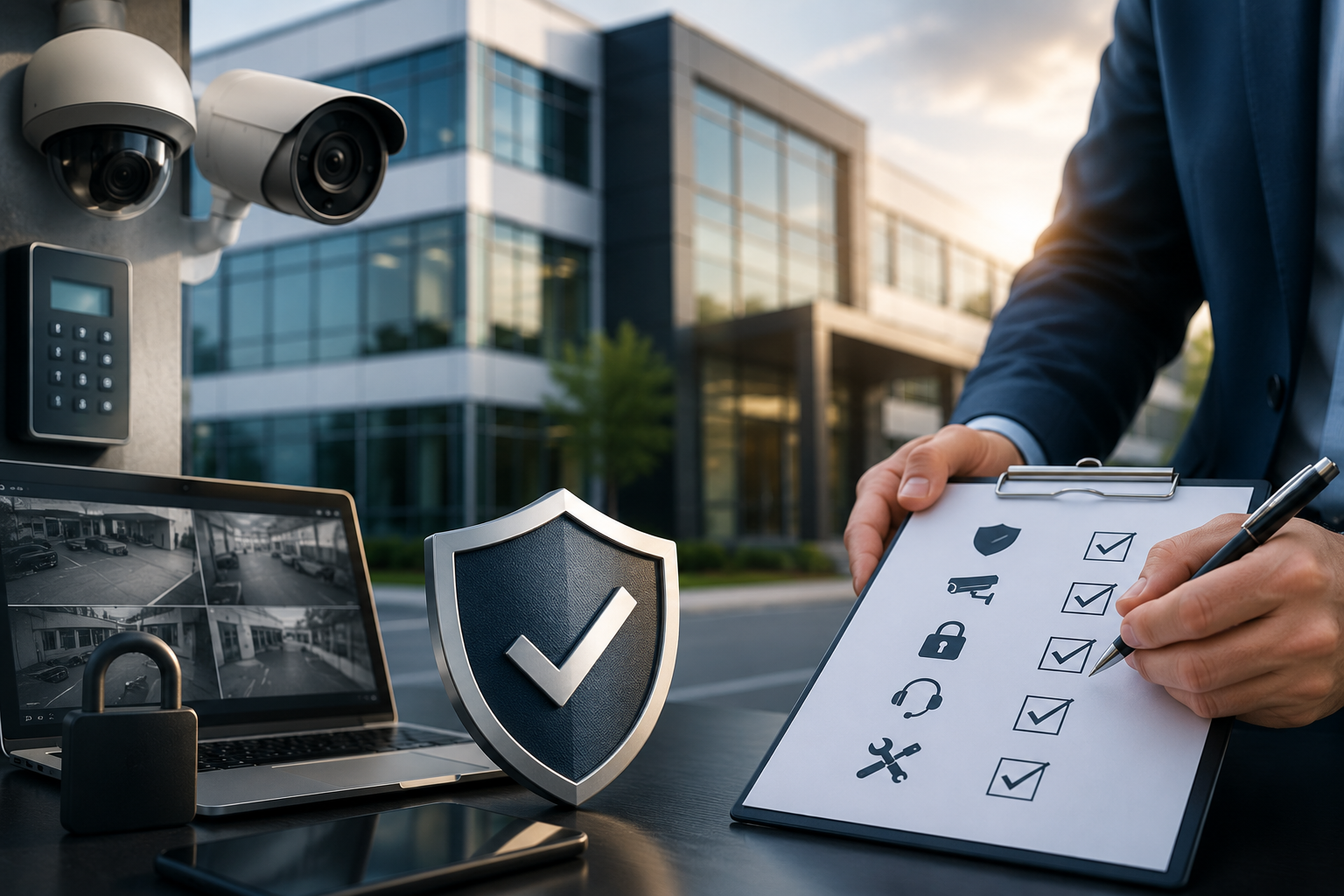
Make a short service list with the concern, location, person responsible and intended follow-up date. Prioritize active faults and urgent safety concerns with the provider; do not defer them until a routine review. Routine training, settings questions and future improvements can then be planned around operations. Keep the resulting reports with the system records so the next review starts with what was actually done.
Talk through your property with a local provider
All Alarm Services of Central Florida helps businesses discuss commercial alarm repairs, camera systems, access control and fire alarm service. If your property is in Lakeland, Plant City, Winter Haven or our normal Polk and Hillsborough service area, contact us with the concern and the type of system involved. We can discuss service needs, available options and scheduling. You do not need a new system selected before the conversation begins.