June 19, 2026
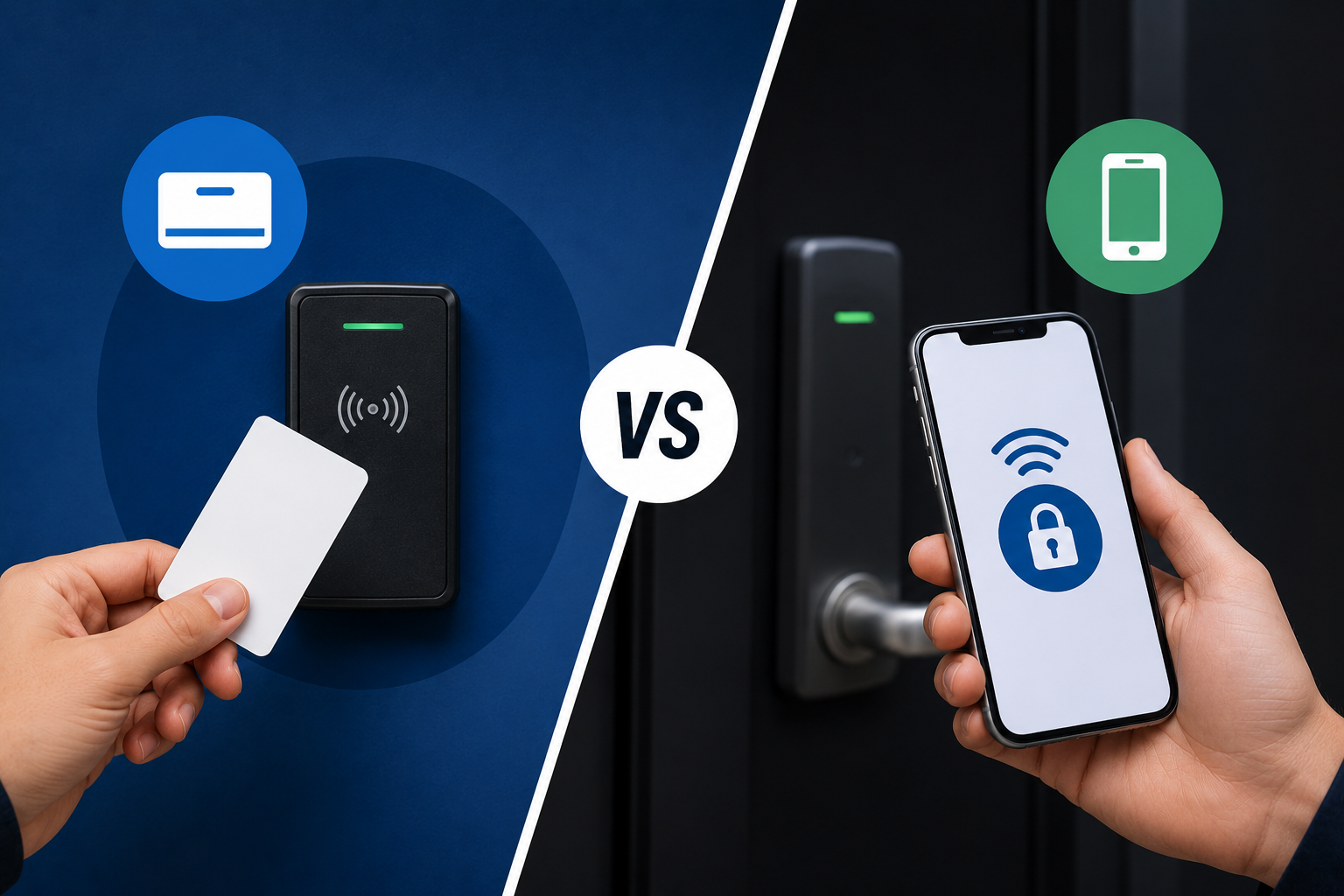
Keycards vs Mobile Access Control for Businesses
Introduction
As more businesses upgrade to modern access control systems, one question comes up frequently:
👉 Should we use traditional keycards or mobile credentials?
Both options allow businesses to replace traditional keys with smarter, more manageable access solutions—but each has its own advantages depending on how the business operates.
For companies throughout Lakeland and Polk County, choosing the right credential type often comes down to:
- Convenience
- Security goals
- Employee workflow
- Operational needs
🔗 Learn more about our
Access Control Systems
What Are Keycards?
Keycards (or key fobs) are physical credentials used to unlock doors connected to an access control system.
Employees simply:
- Tap
- Swipe
- Present the credential
…to gain authorized access.
Keycards have been widely used for years in:
- Offices
- Warehouses
- Medical facilities
- Commercial buildings
- Multi-tenant properties
What Are Mobile Credentials?
Mobile credentials allow users to access doors using their smartphone instead of a physical card or fob.
Access is typically managed through:
- Mobile apps
- Bluetooth
- NFC (near-field communication)
- Cloud-based credential management
Instead of carrying an extra card, employees use a device they already have with them every day.
Platforms like Alarm.com help businesses remotely manage access permissions and connected security systems.
Benefits of Keycards
Familiar & Easy to Use
Many businesses are already comfortable with keycard systems, making adoption straightforward for employees and management.
Simple Credential Distribution
Cards and fobs can easily be issued to:
- Employees
- Vendors
- Contractors
- Temporary staff
Reliable for High-Traffic Environments
Warehouses, industrial facilities, and larger office spaces often continue using keycards because they’re durable and efficient for daily use.
Lower Dependency on Personal Devices
Unlike mobile credentials, keycards do not rely on:
- Battery life
- Personal phones
- Mobile app familiarity
Benefits of Mobile Credentials
Employees Already Carry Their Phones
One of the biggest advantages is convenience.
Employees are less likely to forget their phone than a separate access card or fob.
Easier Remote Management
Mobile credentials can often be:
- Added remotely
- Revoked instantly
- Updated without physically collecting cards
This is especially helpful for:
- Remote teams
- Multi-location businesses
- High-turnover environments
Reduced Physical Credential Costs
Businesses may reduce:
- Replacement card costs
- Reprinting expenses
- Lost credential management
Enhanced Security Features
Many mobile credential platforms include:
- Multi-factor authentication
- Device-level security
- Encrypted credential management
This can help improve overall access security.
Common Business Considerations
Employee Preferences
Some employees prefer:
- physical credentials
Others prefer: - mobile convenience
Many businesses choose systems that support both.
Building Type & Workflow
For example:
- Warehouses may prefer durable fobs for operational environments
- Office environments may lean toward mobile access convenience
Visitor & Temporary Access
Mobile systems may simplify temporary or scheduled access for:
- vendors
- contractors
- guests
without physically issuing cards.
Can Businesses Use Both?
Yes—and many do.
Modern access control systems often support:
✅ keycards
✅ fobs
✅ mobile credentials
✅ PIN codes
This flexibility allows businesses to choose what works best for different users and operational needs.
Common Mistakes Businesses Make
❌ Sharing Credentials Between Employees
Shared credentials reduce visibility and accountability.
❌ Leaving Old Credentials Active
Inactive employee credentials should be removed promptly to reduce security risks.
❌ Choosing Convenience Without Security Planning
Credential type should align with:
- business operations
- security goals
- management procedures
❌ Not Integrating Access Control with Other Systems
Integrated systems provide better visibility and management.
🔗 Explore our
Commercial Security Systems
FAQs About Keycards & Mobile Credentials
Are mobile credentials more secure than keycards?
Both can be secure when properly managed. Mobile credentials may provide additional security features such as encrypted authentication and device-level protections.
Can businesses use both keycards and mobile access together?
Yes. Many modern systems support multiple credential types simultaneously.
What happens if an employee loses a keycard?
The credential can typically be deactivated and replaced without changing physical locks.
What happens if an employee gets a new phone?
Mobile credentials can usually be reassigned or reactivated on the new device.
Are mobile credentials difficult to use?
Most systems are designed to be user-friendly and easy for employees to adopt.
Final Thoughts
Both keycards and mobile credentials offer major advantages over traditional keys.
The right choice depends on:
- Your building
- Employee workflow
- Operational needs
- Security preferences
Many businesses ultimately choose systems that support both options for maximum flexibility.
At All Alarm Services, we help businesses throughout Lakeland and Polk County design access control systems tailored to how their teams actually operate.
📞 Exploring Access Control for Your Business?
If you’re considering upgrading from traditional keys—or evaluating access control options—we’re happy to help you compare solutions and design the right system for your business.
👉
Request a Consultation
📍 Serving Lakeland, Polk County, and Central Florida
📞 863-238-6781