April 22, 2026
Commercial Security Cameras in Lakeland, FL | What Businesses Should Know
Introduction
If you’ve ever searched for security cameras for your business, you’ve probably noticed one thing—there are a lot of options.
From big box store kits to professional-grade systems, everything claims to offer “high quality” and “complete protection.”
But here’s the truth:
👉
Not all camera systems are designed for commercial use.
👉 And not all systems actually protect your business when it matters most.
For businesses in Lakeland and throughout Polk County, choosing the right system comes down to more than just buying cameras—it’s about design, placement, and functionality.
🔗 Looking for a professionally designed system? Learn more about our
Video Surveillance Systems
What Actually Makes a GOOD Commercial Camera System?
A strong system isn’t defined by price—it’s defined by performance.
Here are the key factors that matter most:
1. Resolution That Delivers Real Detail
Grainy footage might show that something happened—but it won’t help you identify who was involved.
A proper commercial system should provide:
- Clear facial recognition (when possible)
- Readable details (like clothing or movement)
- Reliable playback quality
👉 If you can’t clearly identify what you’re looking at, the footage has limited value.
2. Proper Coverage (No Blind Spots)
This is one of the most common issues we see.
Even high-end cameras won’t help if they’re:
- Pointed in the wrong direction
- Too far from key areas
- Missing entry points or high-traffic zones
Key areas to cover:
- Entrances and exits
- Loading docks
- Warehouses and open floor space
- Cash handling or sensitive areas
A professionally designed layout ensures your system actually covers what matters most.
3. Night Visibility & Lighting Conditions
Most security incidents happen:
👉 After hours
👉 In low-light conditions
Your system should be designed for:
- Low-light environments
- Outdoor lighting challenges
- Clear visibility without overexposure or glare
Not all “night vision” is created equal—this is where quality and setup make a big difference.
4. Smart Alerts (Not Just Recording)
This is where modern systems stand apart.
Instead of just recording hours of footage, a good system can:
- Detect motion in specific areas
- Send real-time alerts
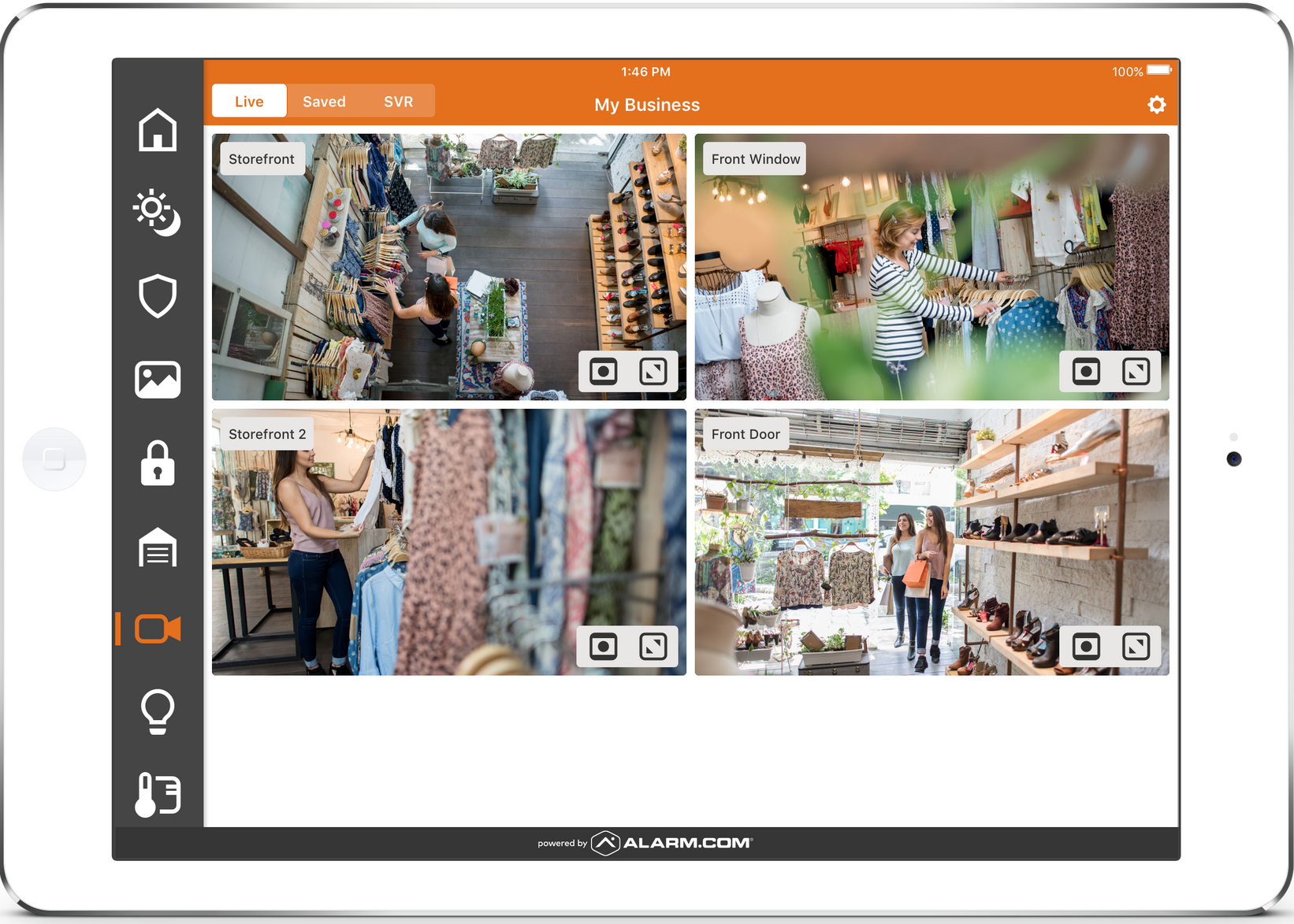
- Allow you to view live footage instantly
Platforms like Alarm.com give business owners the ability to stay connected to their property at all times.
5. Remote Access & Mobile Control
Today’s business owners don’t sit in one place all day.
A proper system allows you to:
- View live and recorded footage
- Receive alerts
- Check in on your business anytime
All from your phone or computer.
Common Mistakes Businesses Make with Camera Systems
Even with good intentions, many systems fall short due to these common issues:
❌ Installing Cameras Without a Plan
Buying cameras first and figuring out placement later often leads to gaps in coverage.
❌ Focusing Only on Price
Low-cost systems may seem appealing—but often result in:
- Poor image quality
- Limited storage
- Unreliable performance
❌ No Integration with Other Systems
Cameras should work alongside:
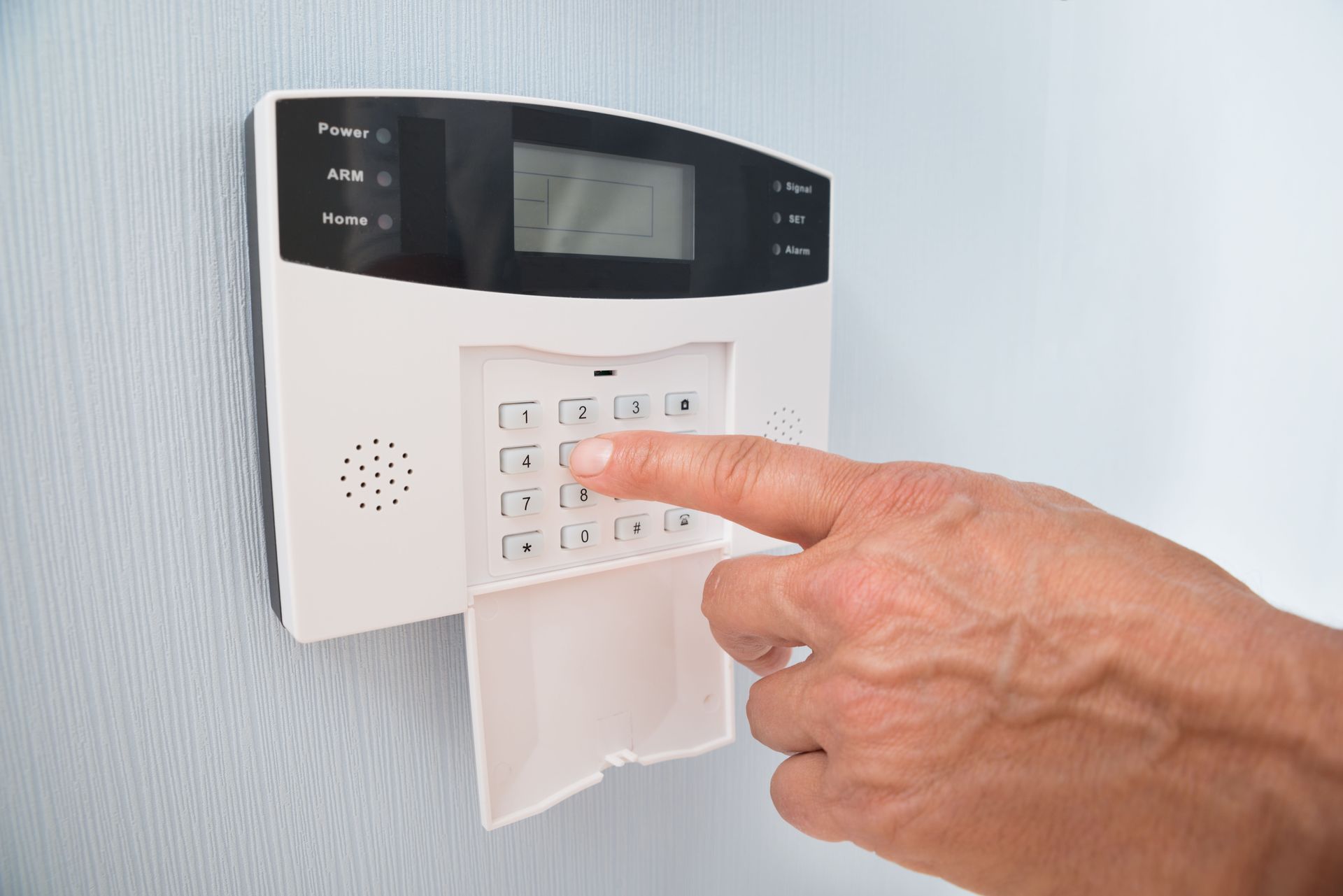
- Alarm systems
- Access control
🔗 Learn how everything works together in a complete
Commercial Security System
❌ No Monitoring or Alerts
Without alerts, you’re relying on reviewing footage after something happens.
That’s not protection—that’s documentation.
How Camera Systems Fit Into Your Overall Security Strategy
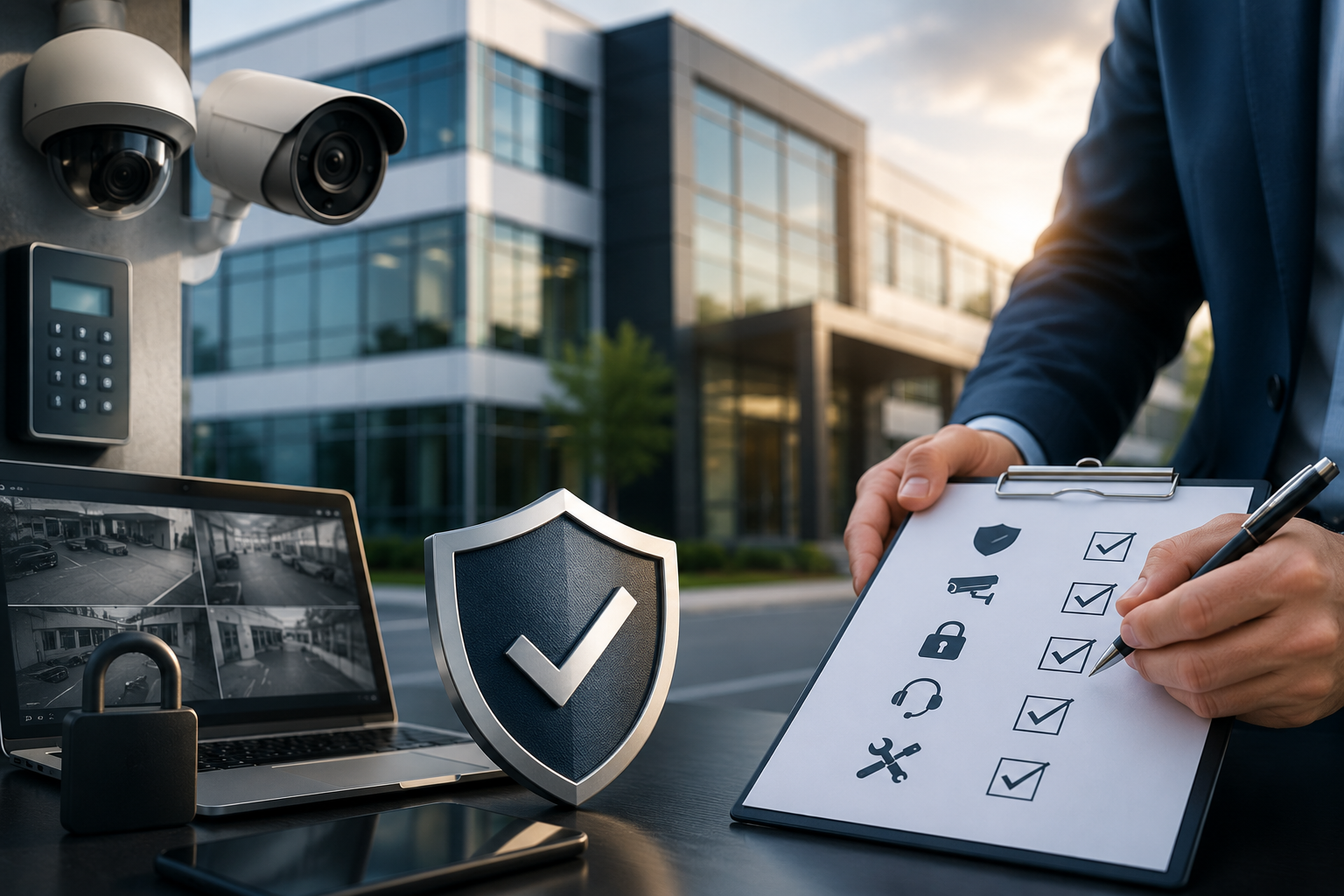
Cameras are powerful—but they’re just one piece of the puzzle.
When integrated with:
- Alarm systems
- Access control
- Monitoring services
…they become part of a complete, proactive security solution.
🔗 Explore our
Alarm Monitoring Services
🔗 Learn more about
Access Control Systems
Real-World Example: Warehouse & Commercial Spaces
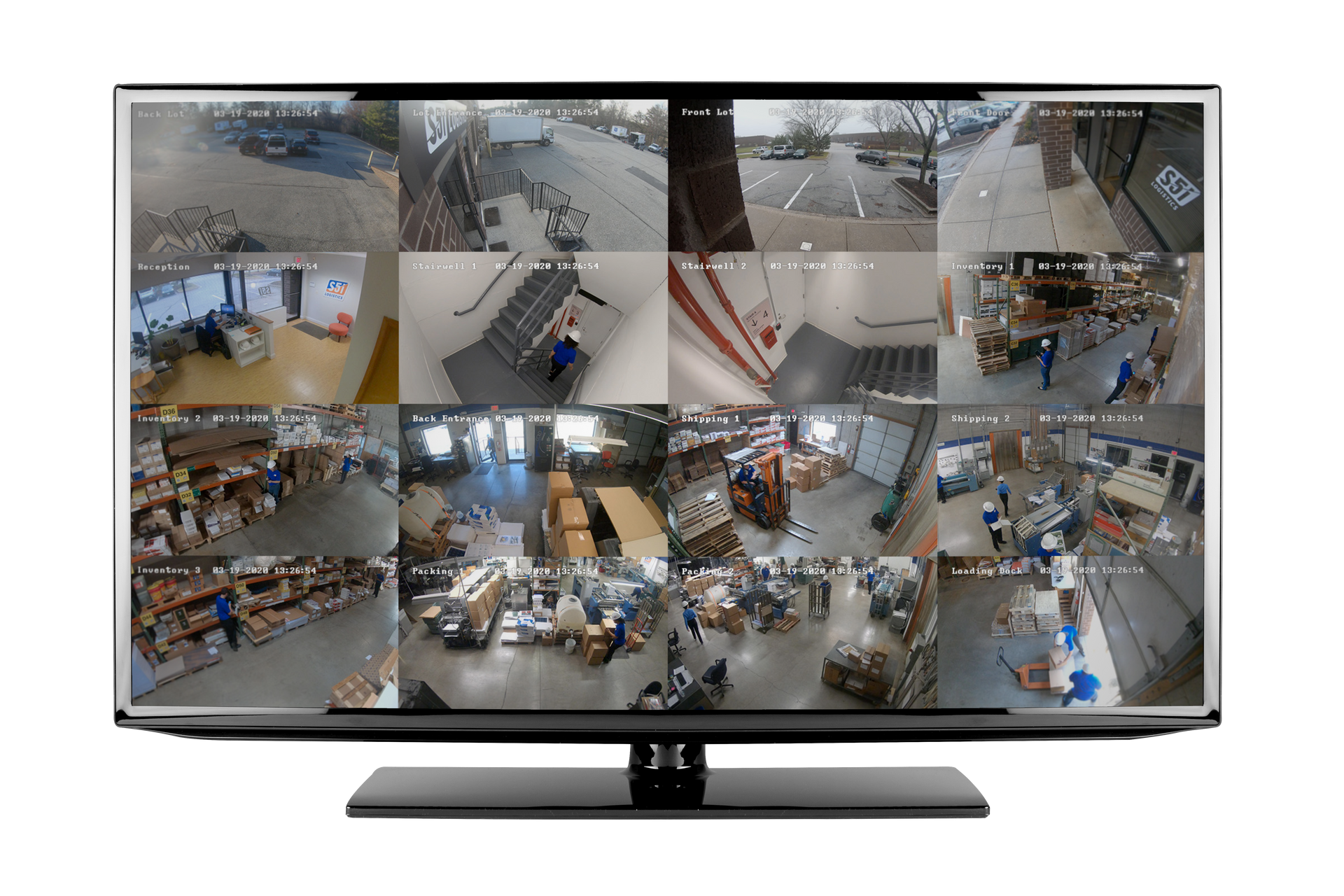
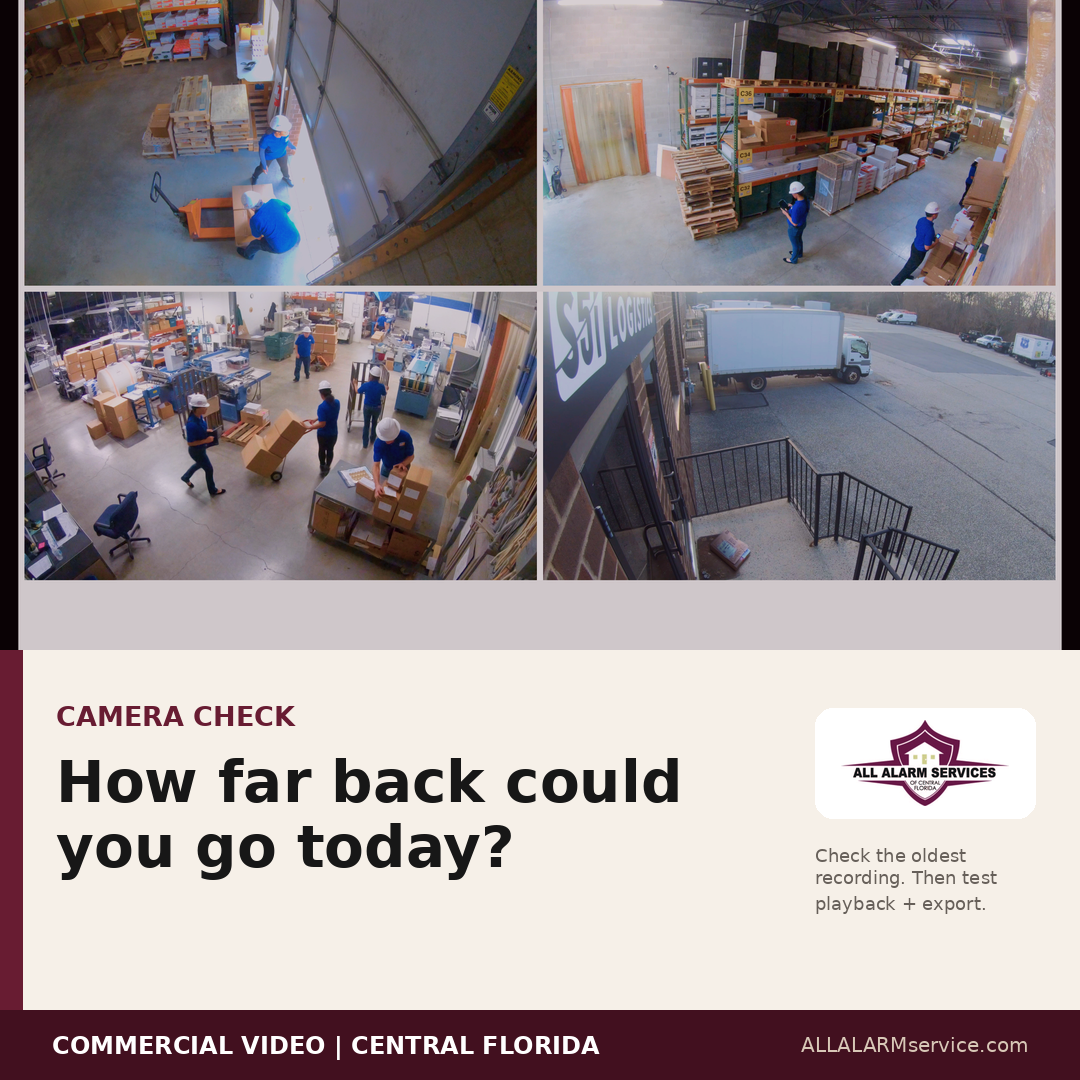
For businesses with larger spaces (like warehouses in Central Florida), camera placement is critical.
A proper setup might include:
- Wide-angle coverage for open areas
- Focused cameras on entry/exit points
- Overlapping views for full visibility
- Integration with motion detection
This ensures nothing is missed—especially in high-traffic or high-risk areas.
FAQs About Commercial Security Cameras
How many cameras does a business need?
It depends on your building size, layout, and risk areas. A professional walkthrough helps determine proper coverage.
Can I view my cameras remotely?
Yes. Modern systems allow you to view live and recorded footage from your phone or computer.
Do security cameras prevent theft?
They act as a strong deterrent—but are most effective when combined with alarms and monitoring.
How long is footage stored?
Storage depends on your system setup, but most commercial systems store footage for several days to weeks.
Final Thoughts
A good security camera system isn’t about having more cameras—it’s about having the right cameras, in the right places, with the right features.
If your current system isn’t giving you clear visibility, real-time alerts, or full coverage, it may be time to upgrade.
At All Alarm Services, we design camera systems for businesses across Lakeland and Polk County that are built for real-world use—not just specs on paper.
📞 Need Help Evaluating Your Camera System?
If you’re not sure your current setup is doing its job, we’re happy to take a look and provide recommendations based on your business.
👉
Request a Consultation
📍 Serving Lakeland, Polk County, and Central Florida
📞 863-238-6781